


billing for neighbourhood generators
The generator notebook, on your phone. Even offline.
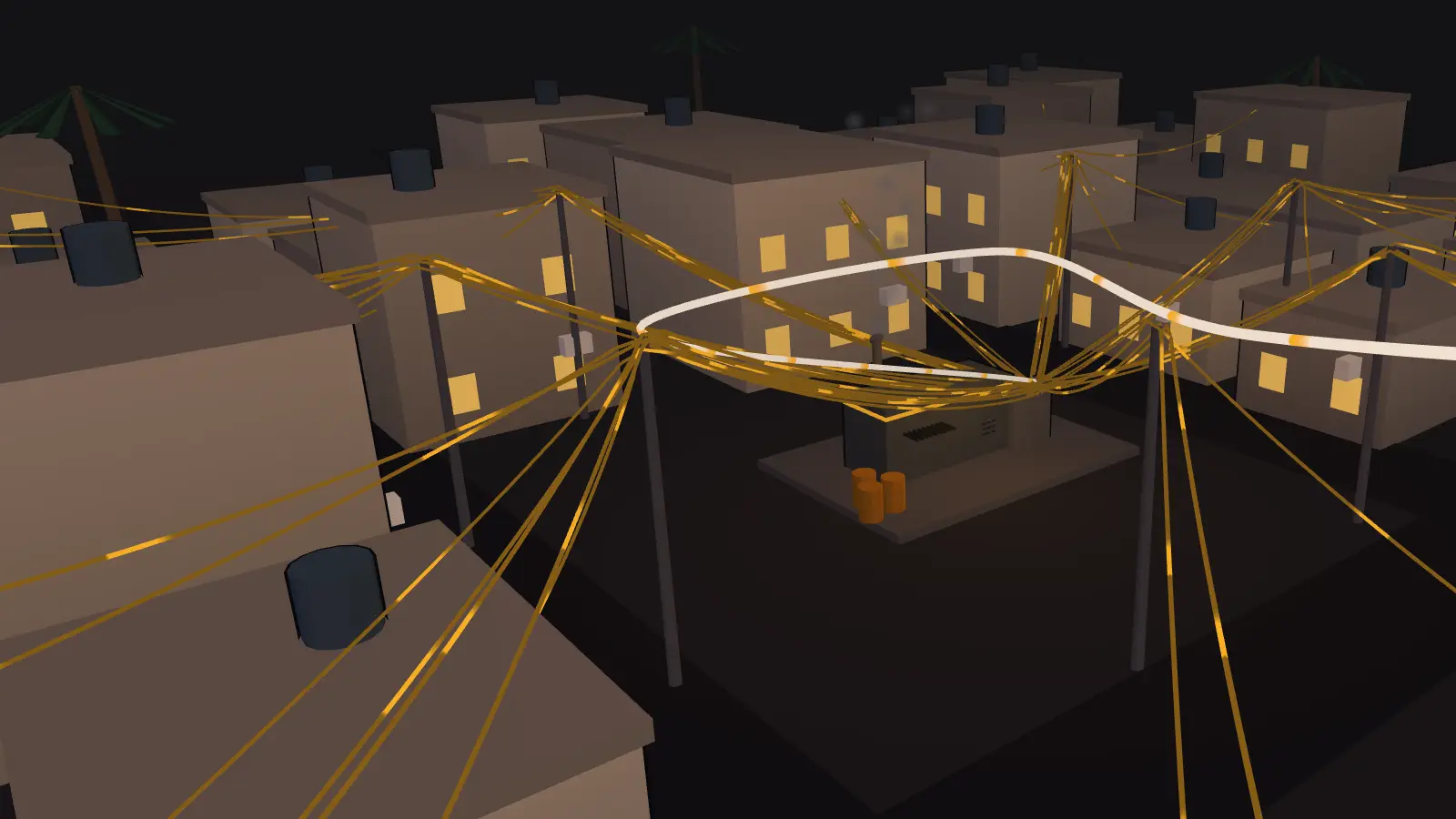
Join the pilotOne generator, a whole street on its line
Every house has its line: how many amps, golden, normal or night, and the breaker number. When the street reaches 300 subscribers, the notebook stops fitting in a pocket.
0 amps sold of 300
Example figures
How much of the month is in?
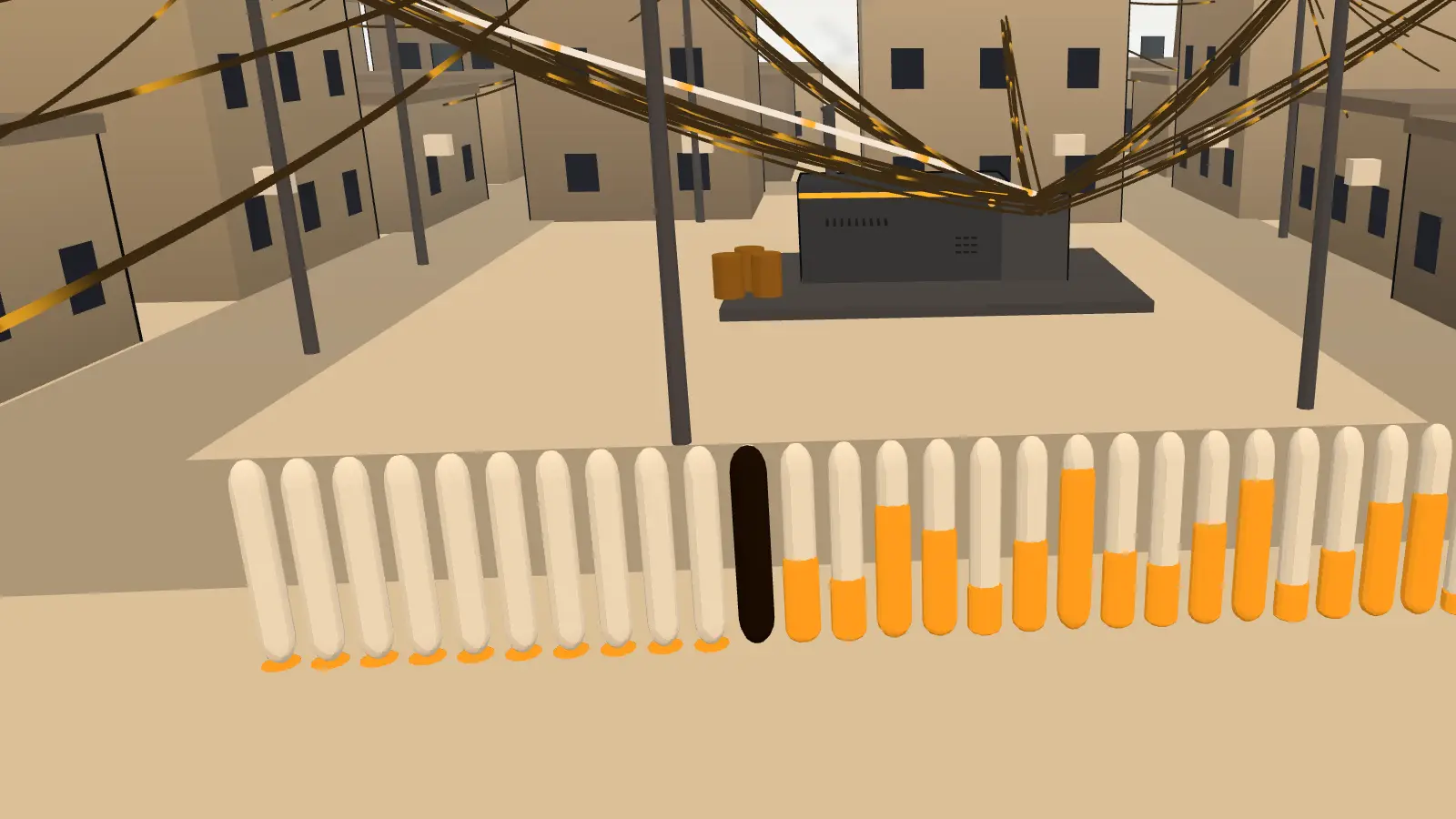
The dial shows the month at a glance: every lit tick is dinar in your hand. Drag around it and watch the month go by.
Collected0 IQD
Expected1,950,000 IQD
Drag around the dial · Example figures
Slide, and out comes the receipt
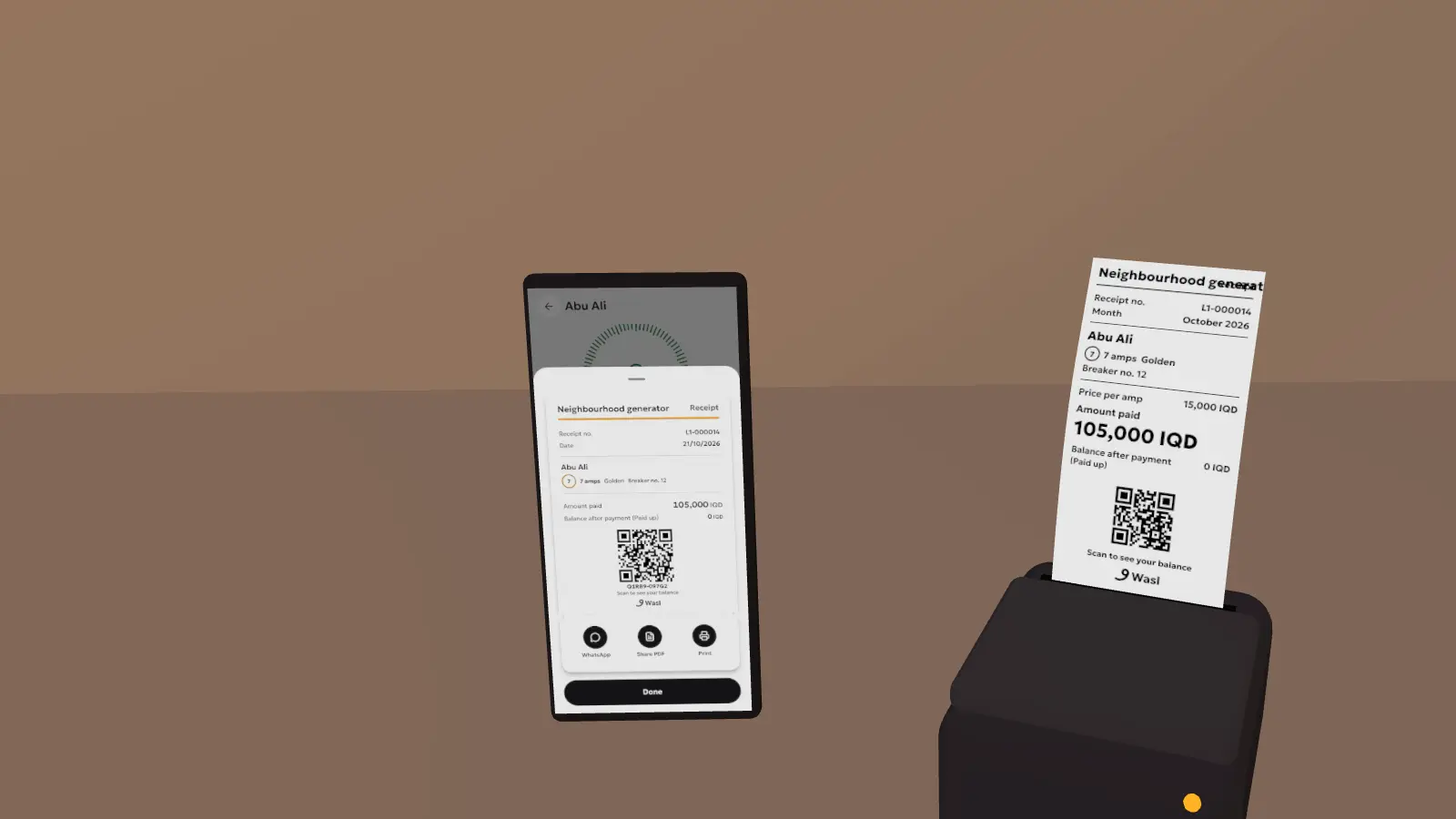
Pick the line and the amps, then slide to collect like a collector at the door. The printer prints your receipt.
7 amps
The price is an example: every owner sets their own each month.
No account
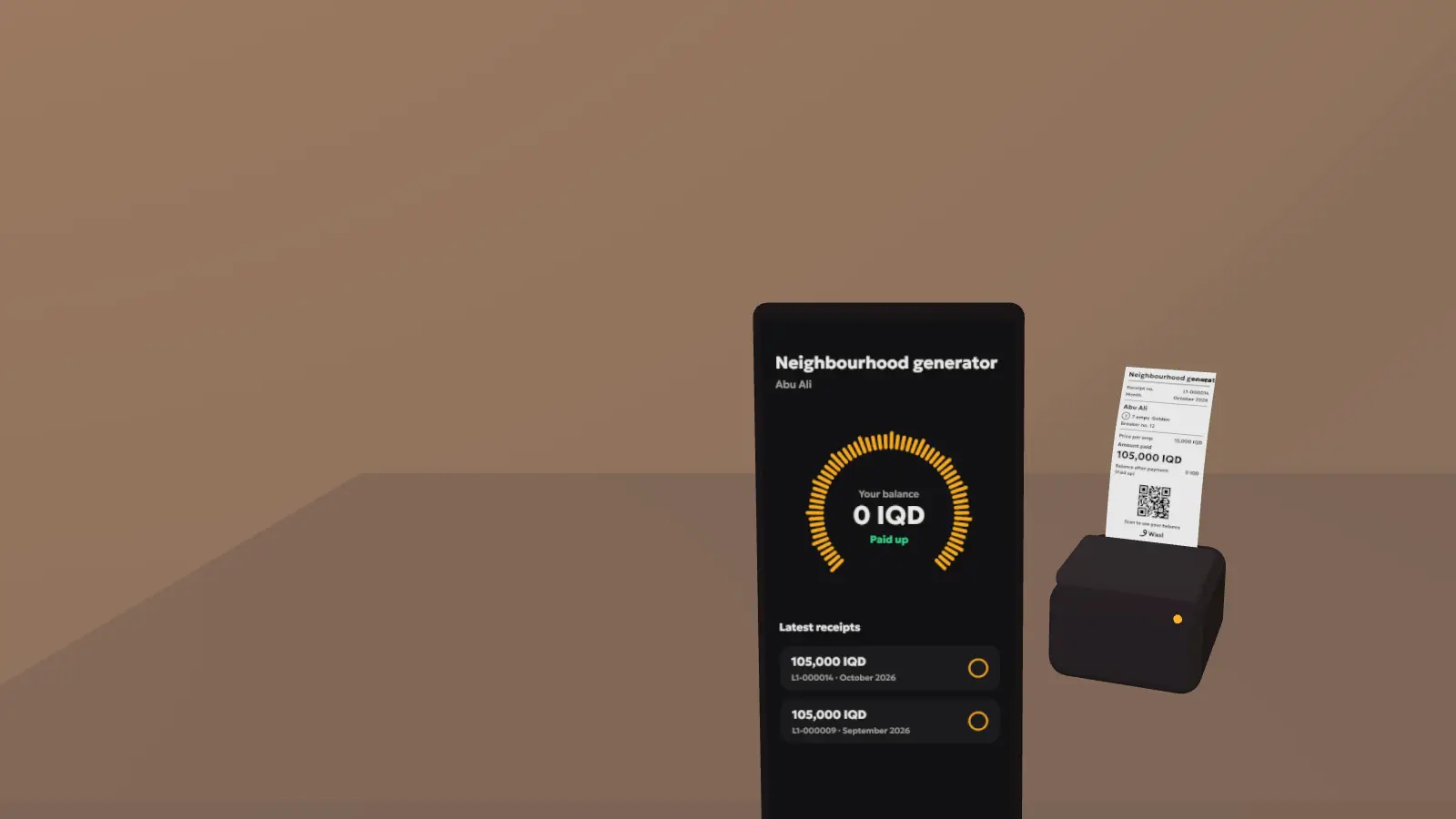
The subscriber scans and sees the balance
The code on the receipt opens their balance and every receipt in any browser, with nothing to install.
Morning, and the accounts are ready
Collections day by day, debt by age, the cash each collector holds, and net profit after fuel, maintenance and salaries.
Net profit (example)0 IQD
From Basra to Zakho
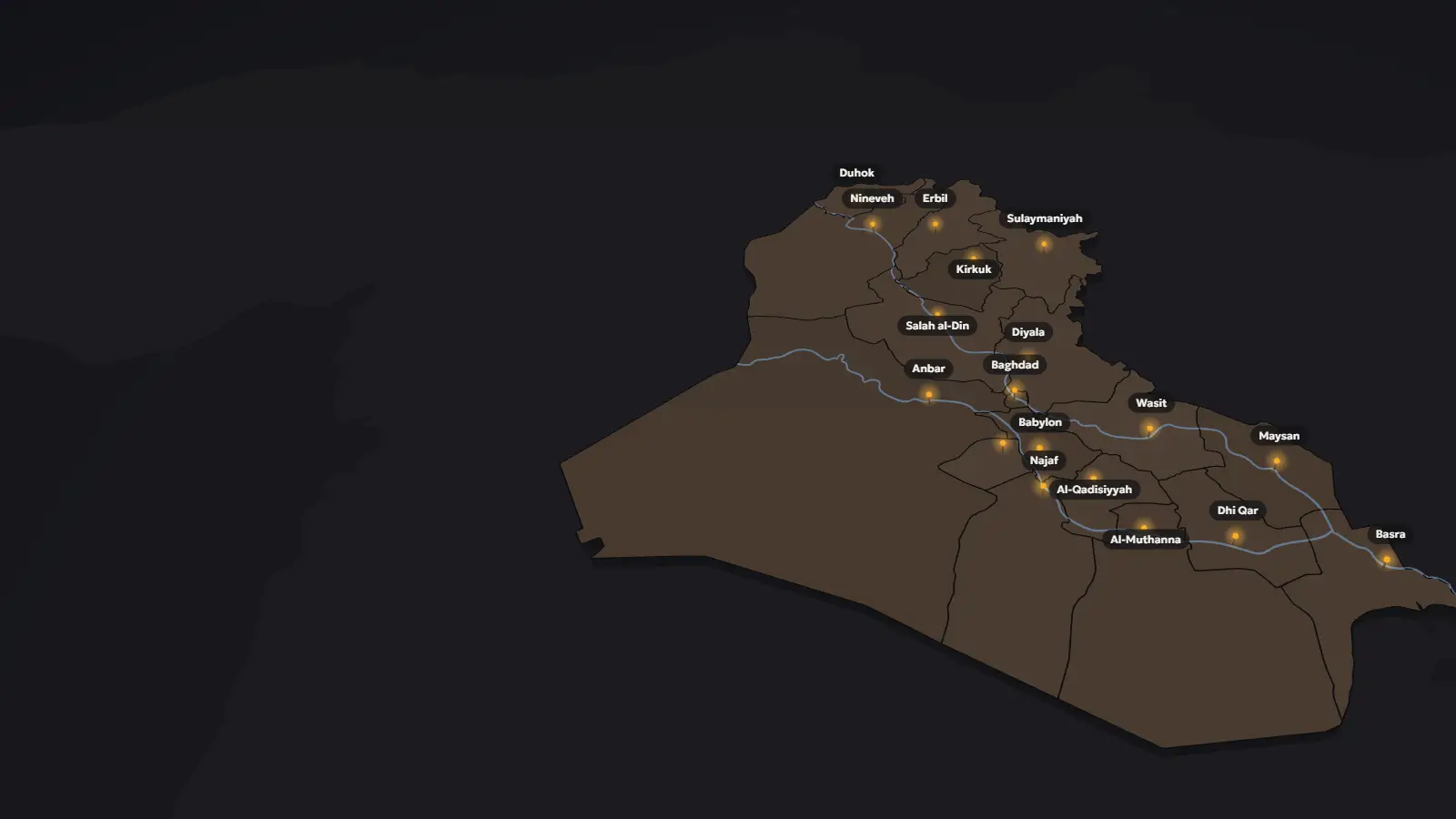
Every governorate announces its price, and every generator sets its own each month. Wasl doesn't impose a price: it charges the one you set, in Iraqi dinar, in Arabic, Kurdish or English.
Prices are set per governorate and per month, and Wasl charges what the owner sets.
North
Centre
South
New in Wasl
The owner's toolkit: the money that arrives by wallet, the hours the generator runs, and an app of their own for subscribers.
-
Wallet payments, confirmed by you
A subscriber pays by ZainCash, Qi or a bank transfer as they always do, then sends the amount, the reference and a photo. It waits in your inbox; one tap puts it in the ledger and sends the receipt. Wasl never touches the money.
-
The subscriber's own app
Their line, this month's bill, their balance, whether the generator is running right now, and a Pay button with your accounts ready to copy.
-
Hours and fuel, counted for you
Switching the generator on and off counts its running hours. See how much of the fuel quota is used, litres an hour, maintenance and the next oil change.
Also new
- A suggested price from your governorate's generators this month
- Payment reminders and promises to pay
- kWh meters for metered lines
- Line types of your own
- Reports over several months
- An activity log of who did what
- Export all your data
- Report and block, against abuse
What's in Wasl
For generator owners
- Subscribers and their lines: Amps, line, breaker number, zone and phone for each subscriber.
- A price per line each month: The price per amp for golden, normal and night, kept per month.
- Close the month in one move: Every subscriber is charged at the month's price.
- Debt by age: Who owes one month, and who owes more.
- Expenses and net profit: Fuel by the litre, maintenance and salaries, and the profit after them.
- Collectors and operators: Each with their own permissions, removed whenever you like.
- Cash handover: See what each collector holds and take it in one tap.
- Notices to subscribers: When the generator goes off, fuel runs low or the price changes.
- CSV and PDF reports: Export the month and send or keep it.
- Running hours and fuel: From the on/off switch: hours, quota used, litres an hour.
- Maintenance and oil changes: Logged with the expense, with a reminder for the next oil change.
- A suggested price: What generators in your governorate charge this month.
- Wallet payments: ZainCash, Qi or a bank: the subscriber sends a photo, you confirm.
- Reminders and promises: Remind who owes, and note who promised to pay, and when.
- kWh meters: For lines charged by the meter reading.
- Line types of your own: Beyond golden, normal and night.
- Activity log and export: Who did what, and all your data in one file.
- Up to 3 generators per account: Switch between them at the top of the page.
The whole generator on one screen, from fuel to profit.
For collectors and operators
- Search by name or breaker: Or by phone; the subscriber is there in a second.
- Banknote chips and the ruler: +25,000 and +10,000, or drag the ruler to the amount.
- Partial payments: Take what there is; the rest stays as debt.
- Discounts in dinar: Kept in the ledger under the collector's name.
- Slide to collect: One slide records the payment; no taps by mistake.
- Receipts on WhatsApp: An image or a PDF, with a code that opens the balance.
- Bluetooth printing: 58 mm thermal receipt printers.
- Works offline: For days, and syncs by itself later.
- Generator on and off: And subscribers hear about it.
- Fuel note: Litres left, for the owner to see.
Faster than the notebook at every door, even offline.
For subscribers
- Your balance by code: Scan the code on your receipt, no account needed.
- Every receipt: Each payment with its date and number.
- This month's bill: Amps, line and price.
- The generator right now: Running or off.
- The owner's notices: Outages, fuel and prices.
- Ask to change amps: Or the type of line.
- Report a line problem: The request goes to the owner.
- Pay by wallet: Send the amount and a photo of the transfer to the owner.
- Running hours: How long the generator ran this month.
Your balance and receipts, with the code on your receipt.
Price
Wasl is free: 0 IQD a month, for the generator, its staff and its subscribers.
Every feature, no ads. Coming soon to Google Play and the App Store.
Join the pilotCommon questions
Does it work offline?
Yes. Everything is saved on the phone first, and you can collect for days without internet. When the connection returns, it syncs by itself with the owner's and the collectors' phones.
Which printer does it need?
A 58 mm Bluetooth thermal receipt printer that understands ESC/POS, which is most small printers on the market. On iPhone the printer must be BLE. Without a printer, the receipt goes out as an image or PDF on WhatsApp.
Does a subscriber need an account?
No. They scan the code on their receipt and see their balance in any browser. If they install the app, the same code links their line.
Where is my data kept?
On your phone first; once you sign in it syncs with our servers on Cloudflare. We don't sell it or share it for advertising. The details are in the privacy policy.
Does it support Kurdish?
Yes: Arabic, Kurdish (Sorani) and English, and the app flips right-to-left or left-to-right with the language. It has light and dark modes too.
Can subscribers pay by ZainCash or Qi?
Yes, without a payment gateway. You list your wallet or bank accounts; the subscriber transfers as usual and sends the amount, the reference and a photo. You confirm it and it goes into the ledger with a receipt. Wasl never holds the money, and the photo is deleted from our server after 3 days.
What if someone sends something offensive?
Messages with offensive words are refused. Any notice, request or payment can be reported to us, and we review reports within 24 hours. An owner can block the account behind a request or payment, and a subscriber can unlink a generator. Everyone accepts the Terms of use first.
How do I delete my account?
In the app: More, then Account, then Delete my account. If the account has an email, we send a code there to make sure it's you. Step by step: How to delete your account.
What does it cost?
Nothing. It's free, with no ads.
Where do I get it?
Soon on Google Play and the App Store. Until then, write to support@hasanain.dev and we'll send you the pilot build.
Every dinar gets its receipt
Run a generator and want to try Wasl before it reaches the stores? Write to us and we'll set you up.
Join the pilot